


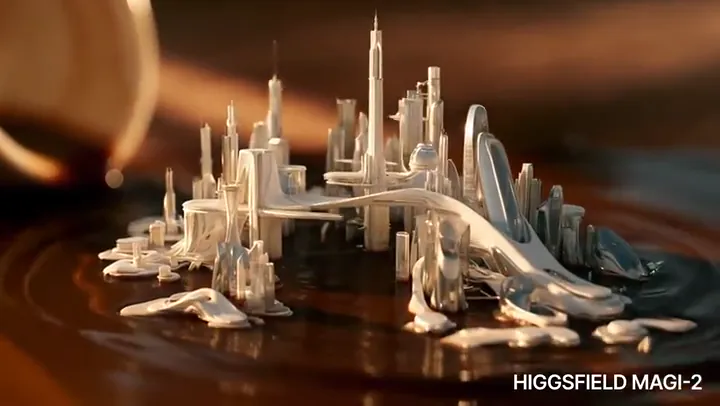
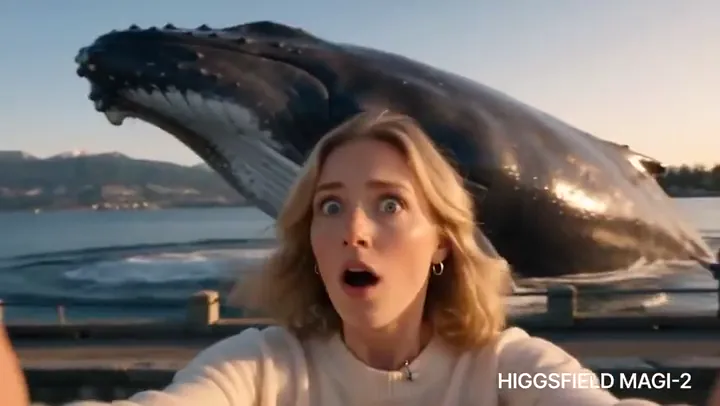


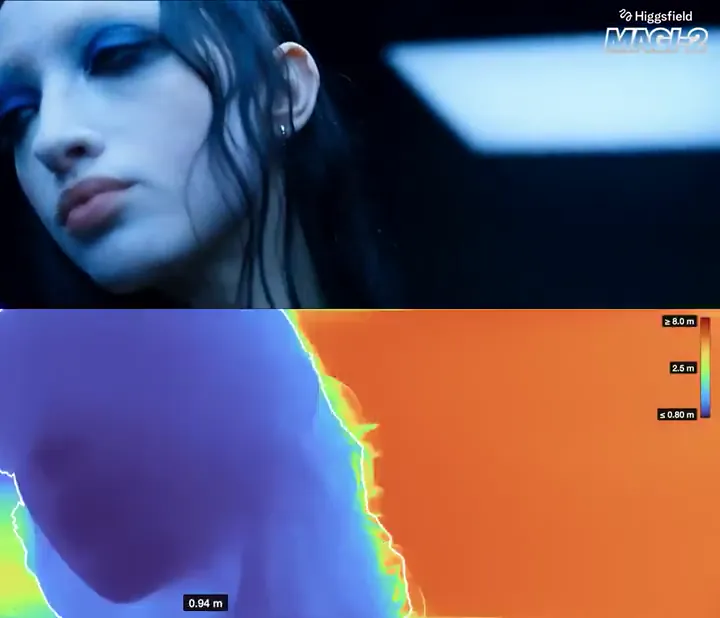

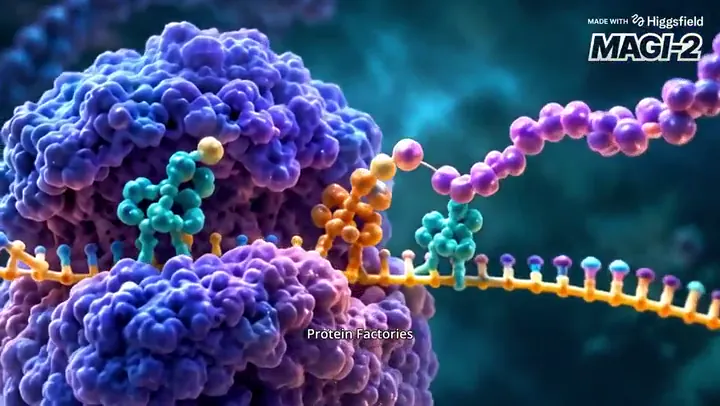

30 seconds of video with sound
Outputs up to 1080p at 25 fps, with dialogue, ambient sound, and music generated alongside the picture.
Try MAGI-2MAGI-2 creates up to 30 seconds of 1080p video with sound. Start with a prompt, guide the camera, or add image, video, and audio references.
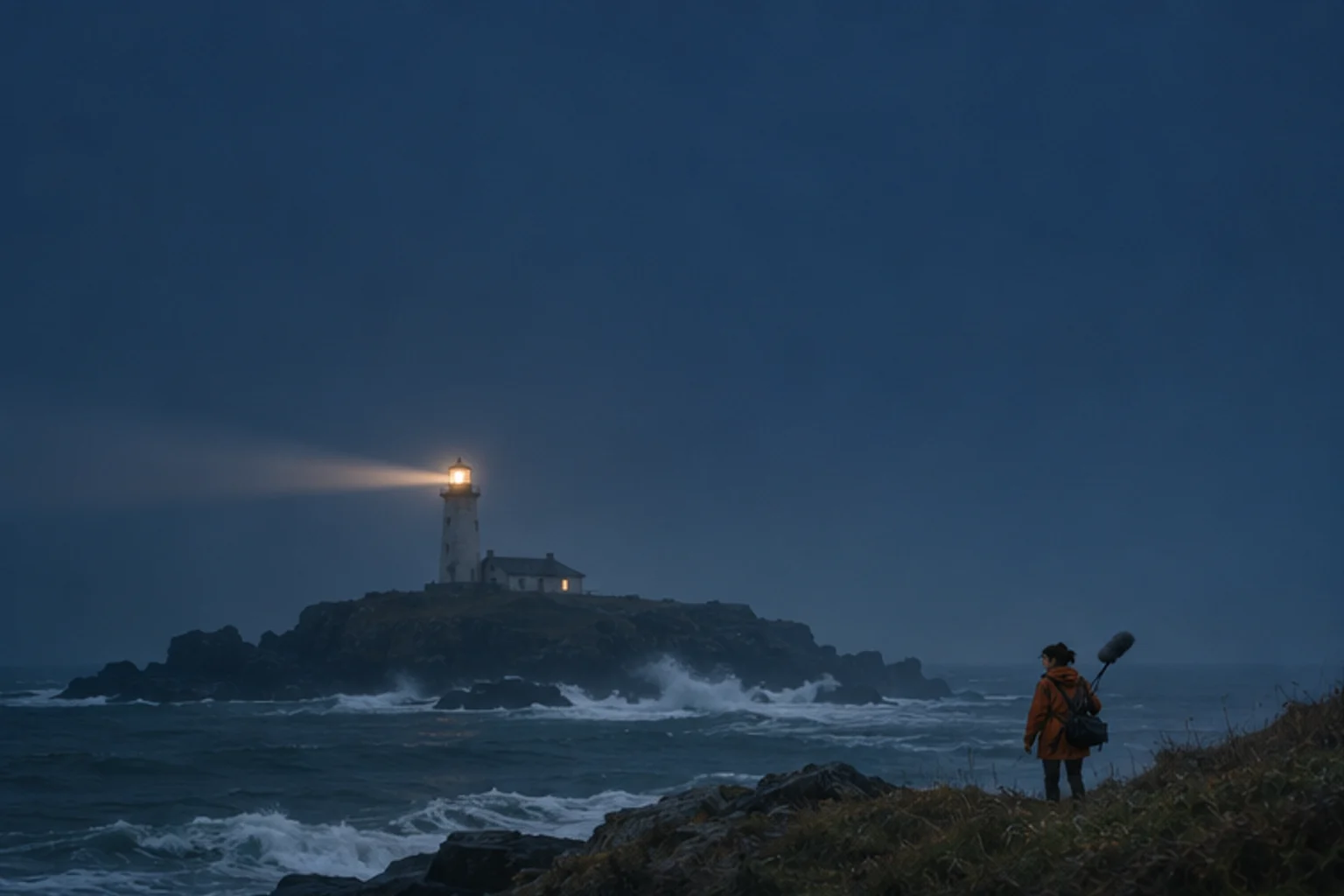
Outputs up to 1080p at 25 fps, with dialogue, ambient sound, and music generated alongside the picture.
Try MAGI-2Combine up to 10 images, 5 video clips, and 5 audio clips in one request.
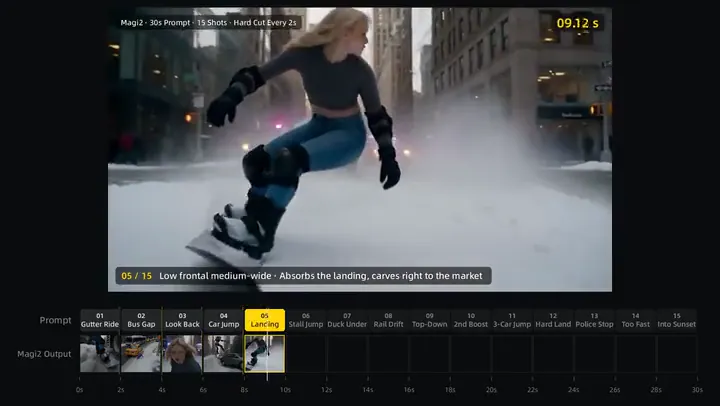
Try MAGI-2Specify cut points or give the model story beats to guide camera planning.
Try MAGI-2Use an existing clip as a reference and describe the change you want in the new shot.
Try MAGI-2Audio and video
A 30-second take gives an action time to unfold. MAGI-2 generates picture and sound together, so the same prompt can describe the visuals, the dialogue, and the sounds that belong to the scene.
Multimodal references
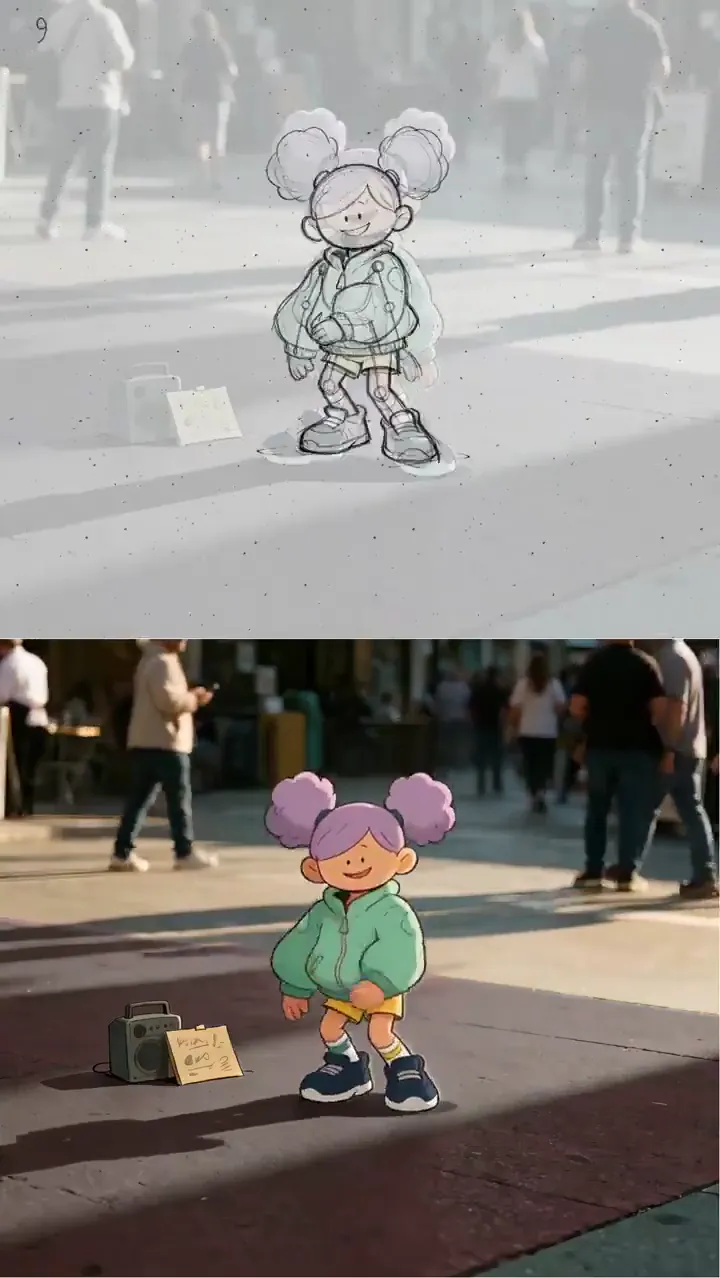
Use images to establish the look of a subject or location, a video to show motion, and an audio clip to guide the sound. The prompt can specify which detail to take from each reference.
Timeline and shot control
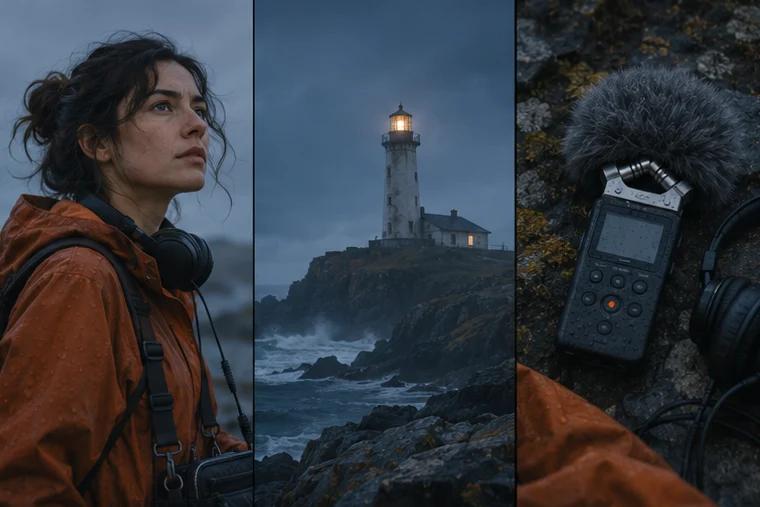
Describe an unbroken take or put time ranges on a shot list. Start with story beats to explore framing and transitions, then specify the cuts you want to keep.
Video editing
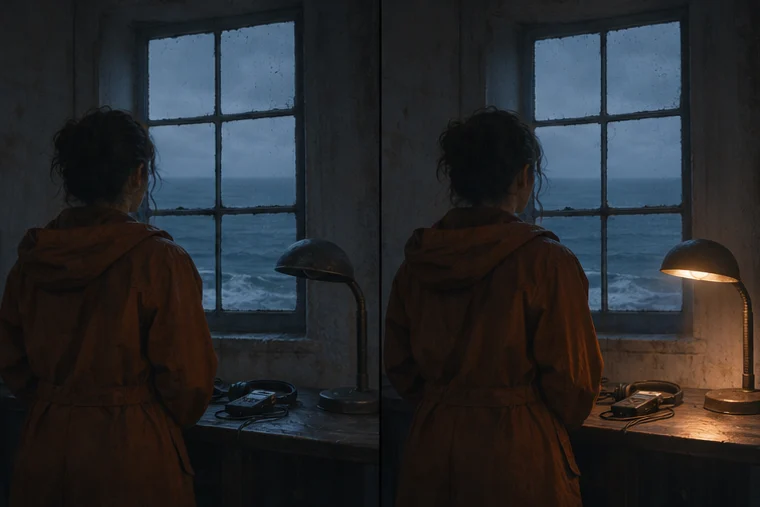
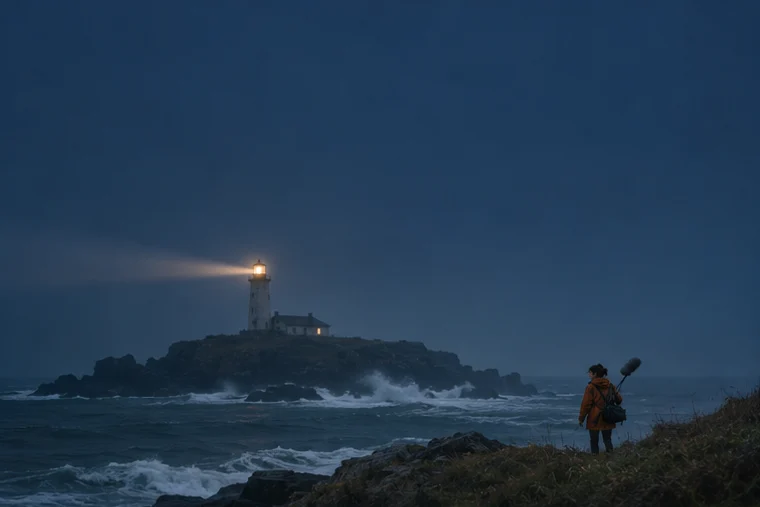
Upload the source clip as a reference and identify the intended change, along with the parts that should stay consistent. For example, ask for a lamp to turn on in the lighthouse while the window view and camera framing stay in place.
Write what should happen, how the camera should move, and what the viewer should hear.
Choose the length and aspect ratio. Use a first frame, add an optional last frame, or combine image, video, and audio references.
Sign in, check the credit cost on the Generate button, then create and download your video.
MAGI-2 uses 16 credits per second. A 5-second video uses 80 credits.
연간 결제로 40% 절약. 매월 월간과 동일한 크레딧 지급.
연간 US$144 일괄 결제
매월 1,000 크레딧
5초 MAGI-2 영상 최대 12개
선택한 주기로 자동 갱신됩니다. 계정에서 이후 갱신을 해지할 수 있습니다.
정기적인 작업에 적합
연간 US$288 일괄 결제
매월 2,400 크레딧
5초 MAGI-2 영상 최대 30개
대부분의 크리에이터는 Pro로 시작합니다
선택한 주기로 자동 갱신됩니다. 계정에서 이후 갱신을 해지할 수 있습니다.
연간 US$576 일괄 결제
매월 5,400 크레딧
5초 MAGI-2 영상 최대 67개
선택한 주기로 자동 갱신됩니다. 계정에서 이후 갱신을 해지할 수 있습니다.
안전한 결제 · 언제든 해지 · 실패한 영상은 크레딧 환불
구독 없음. 패키지 크레딧은 만료되지 않습니다.
급할 땐 패키지. 크레딧은 만료되지 않습니다.
5초 MAGI-2 영상 최대 5개
일회성 결제이며 자동 갱신되지 않습니다.
5초 MAGI-2 영상 최대 11개
일회성 결제이며 자동 갱신되지 않습니다.
5초 MAGI-2 영상 최대 30개
일회성 결제이며 자동 갱신되지 않습니다.
Sign in to your account on this site, then describe your scene in the generator. MAGI-2 is already selected. The Generate button shows how many credits your settings use.
MAGI-2 costs 16 credits per second of output. The Generate button shows the total for the duration you select.
Create 4–30 second videos at 1080p. Choose 16:9, 9:16, 1:1, 4:3, 3:4, or 21:9 in the generator.
Start with text alone, upload a first frame or a first and last frame, or guide a new video with a mix of images, video, and audio.
You can add up to 10 images, 5 video clips, and 5 audio clips. The video references can total up to 30 seconds, and the audio references can total another 30 seconds.
Yes. Describe dialogue, sound effects, or ambience in your prompt. Use the Generate audio switch to choose whether the video includes sound.
Sand.ai developed the MAGI-2 video model. This site is an independent web interface for making videos with the model.
Start with a prompt and add references if you have them.