
MAGI-2 vs Seedance 2.5 for Product Videos
On MAGI 2 AI, compare MAGI-2 with Seedance 2.5 using three product prompts, a shot checklist, and the cost of each usable clip.
On this page
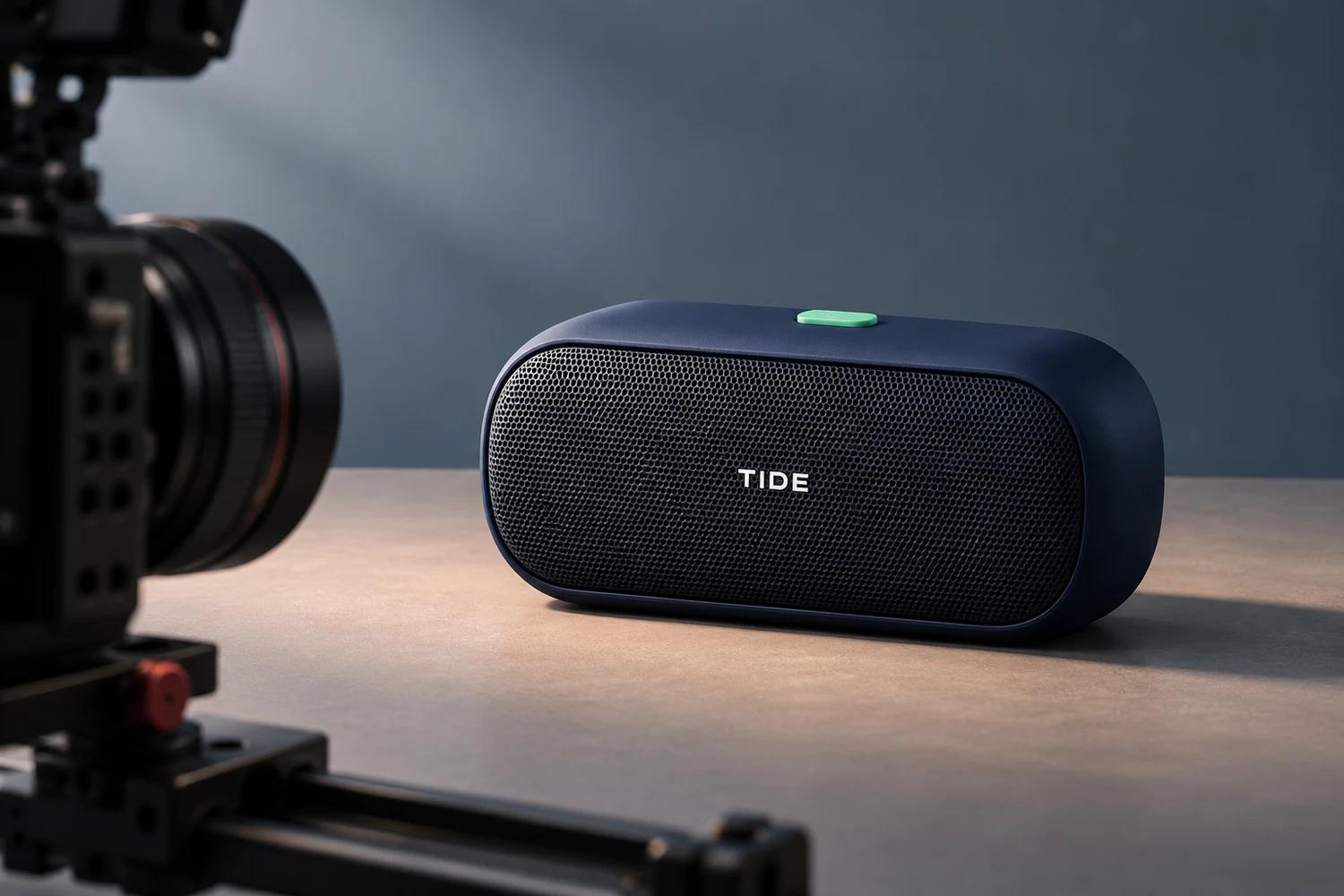
Start with MAGI-2 if you need to try several versions of a product ad on a fixed budget. Give Seedance 2.5 a parallel run if the campaign depends on one hard-to-replace shot, such as a presenter saying a line on camera or an uninterrupted move around the product. MAGI-2 has the lower listed price for comparable 1080p image-to-video runs on Higgsfield’s API, while Seedance 2.5 led Higgsfield’s launch blind test. Use those two signals to decide what to try first, then judge the takes against your own brief. Higgsfield API’s MAGI-2 listing · Seedance 2.5 image-to-video pricing · Higgsfield’s launch benchmark
What the two models offer
Both can generate up to 30 seconds with synchronized sound in one pass. Sand.ai documents 1080p at 25 fps for MAGI-2, with mixed image, video and audio references, timeline control and targeted edits. ByteDance documents mixed references, timestamp-based edits and up to two extensions for Seedance 2.5. Its examples include using a rough 3D scene to guide camera motion and staging. Resolution and reference options can depend on the interface and mode you pick. Sand.ai’s MAGI-2 release · ByteDance’s Seedance 2.5 release
In Higgsfield’s November 24, 2026 snapshot, Seedance 2.5 led the six-model leaderboard and won 61% of its head-to-head matchups against MAGI-2. Judges picked between unnamed clips made from the same prompt. Higgsfield hosts both models, and its launch results give an overall preference signal. The three prompts below are untested for this guide. Run them to check the details that matter in an ad, including readable lettering, clear speech and repeatable camera motion. Higgsfield’s benchmark and methodology
Run both models with the same settings
Use the fictional TIDE speaker still below as the opening frame for both models. The still was made with ImageGen for this guide. It shows a compact matte deep-blue speaker with a dark perforated grille, a single mint-green power button and a TIDE wordmark. For your own ad, substitute a sharp, approved product photo. Carry the source into review so you can compare the finish, controls and lettering frame by frame.
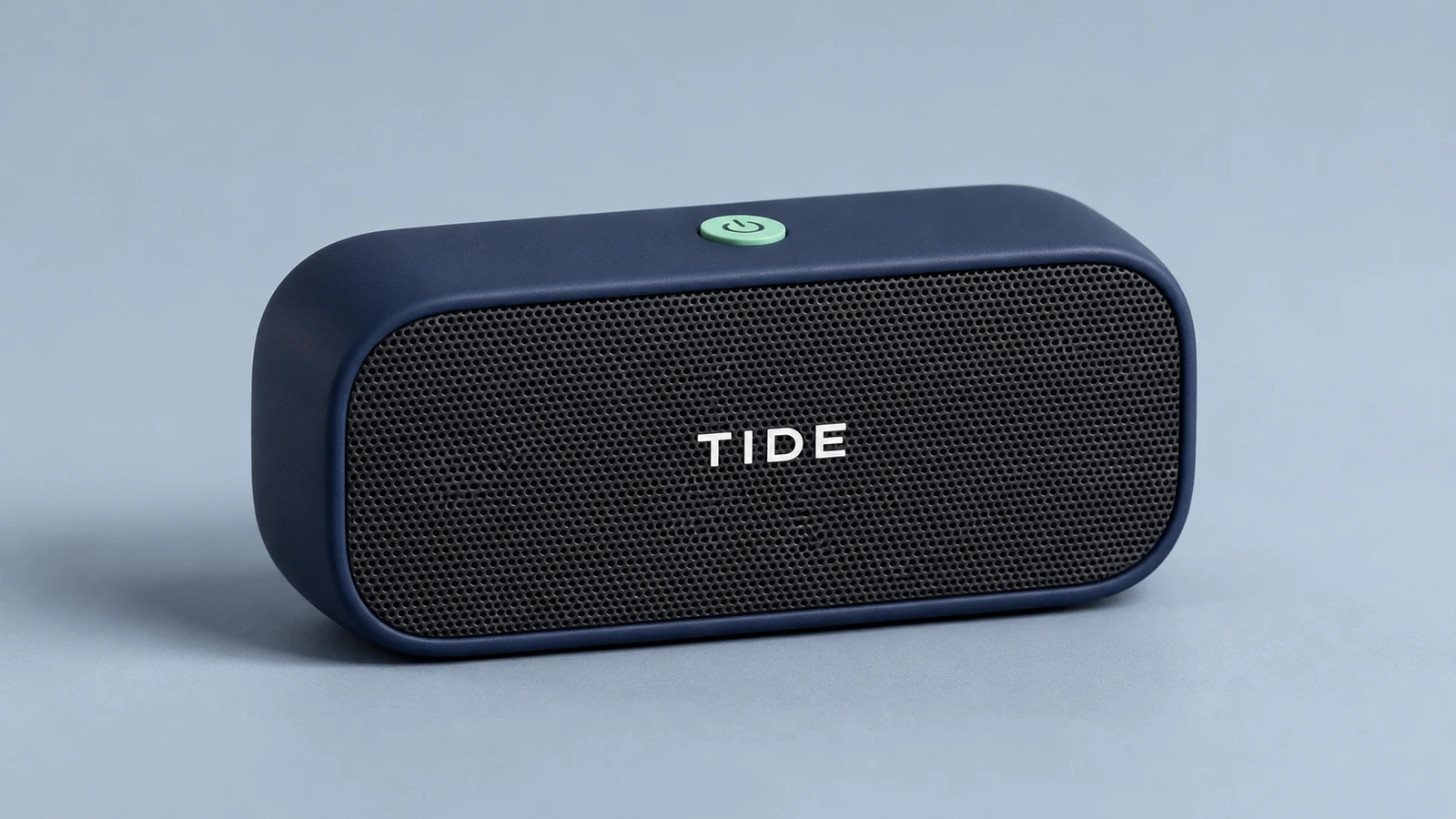
Run each brief at 10 seconds, 1080p, 16:9, with generated audio enabled. Use the same image file and prompt text for both models. Crop or pad the opening image to 16:9 once before uploading it. Set a 16:9 output where the interface offers a ratio field, and confirm the delivered aspect ratio before scoring. Select first-frame image-to-video mode, leave the end frame empty, skip extra references and turn off optional prompt enhancement wherever the interface exposes it. Record the provider, exact model ID, settings and any default you cannot control. Source two takes per brief per model for a small initial comparison. Score both takes before changing the prompt. Sand.ai’s first-frame API documentation · Higgsfield’s Seedance 2.5 image-to-video settings
Test 1. Can the product survive a close-up?
The end frame is where the logo has to hold. Check the wordmark in the opening, midway through the push and in the last two seconds. Look for letters that flicker between frames, a button that moves or duplicates, and grille holes that shift.
Prompt
Start on the supplied TIDE speaker image. The speaker stays stationary for the full clip. From 0–2 seconds, hold the starting composition. From 2–8 seconds, make one slow level push toward the front grille, keeping the TIDE wordmark in focus and the single mint-green power button visible. From 8–10 seconds, hold the closer frame. Preserve the matte deep-blue shell, the exact TIDE lettering and the dark perforated grille. Use faint room tone. No voice, music, captions or added graphics.
Test 2. Does the presenter say the exact line?
Use the same opening frame again. The speaker starts alone so both models receive identical inputs. The presenter enters afterward. Listen for a skipped or improvised word, look at the mouth around the name “TIDE,” and check that the hand and the speaker keep their shape as the hand comes into view.
Prompt
Open on the supplied TIDE speaker image. During the first 3 seconds, smoothly pull back to reveal the tabletop. An adult presenter steps into the frame from the right and stands behind the table, facing the camera. Between 3 and 7 seconds, the presenter says exactly once, “Meet TIDE, the little speaker that goes with you.” The presenter keeps their mouth visible and rests one hand next to the speaker after finishing the line. Hold through 10 seconds. Keep the product design and TIDE wordmark consistent. Use clear speech and soft room tone with no music or subtitles.
Test 3. Can the camera finish one continuous move?
Review the whole move at normal speed, then scrub around the moment the foreground enters the frame. Reject a hidden cut, a jump in angle or a product that changes shape as its side comes into view.
Prompt
Use the supplied TIDE speaker image as the exact opening frame. Create one continuous 10-second camera move. From 0–2 seconds, begin a slow slide to camera right. From 2–8 seconds, curve gently toward a three-quarter front angle while keeping the speaker centered on the table. Let the near edge of the tabletop move across the lower foreground as the background shifts more slowly. From 8–10 seconds, ease to a stop and hold. Keep the speaker stationary, with the same proportions, grille, single mint-green button and TIDE wordmark. No cut, zoom jump, speed ramp, speech or music. Use faint room tone.
Score takes and count what you spent
Play each take with sound, then inspect the frames that matter. Hide the model name during review if two people can share the work. Before generating, agree on what would make a clip unusable for the campaign.
| Check | What earns a pass |
|---|---|
| Product fidelity | The wordmark reads TIDE whenever it is meant to be readable. The shell, grille and single button stay consistent. |
| Motion and timing | The camera or presenter hits the requested beats without a visible jump, warped hand or shifting product. |
| Sound and speech | The audio matches the brief. In the presenter take, the exact line is intelligible and the visible mouth movement follows it. |
| Ready to edit | The shot still works at delivery size, with a clean opening and ending you can cut into your timeline. |
Score each row 2 for a pass, 1 if it needs a small edit and 0 if it needs a new take. Start with a cutoff of 7 out of 8. Reject a wrong wordmark, a changed line in the presenter take or a visible cut in the continuous move even if the other scores are high. Record the first two takes for each brief and the timestamp of each issue. If you need retakes, give both models the same retry limit and apply the original acceptance rules to every new take.
Cost per usable clip = total actual charges for the tested takes and retakes ÷ clips accepted. Include billed failures and discarded clips, and use charges after refunds. If no clip passes, report what you spent and zero accepted clips. If you pay in credits, compare the actual equivalent cost within the same pricing plan or report credits with the provider and plan named.
For scale, Higgsfield’s listed 1080p image-to-video API rates at the November 25, 2026 check put one 10-second request at about $0.80 for MAGI-2 and $6.52 for Seedance 2.5 before any other charges. These are examples at the published rates. Use your billing record to see what the accepted take cost after retries. Higgsfield API’s MAGI-2 listing · Seedance 2.5 image-to-video pricing
Which one should you use?
Run the hardest shot first. If you need several quick product variations, start with MAGI-2 and check the logo before making more. If a client needs a presenter who delivers a fixed line or a camera move you can cut into an existing sequence, run the same shot on both and compare the approved takes. If the model redraws legally required packaging text, put that lettering back in post using the original label artwork.
For a workflow that starts from a single product still, open the MAGI-2 homepage. Run the MAGI-2 side of this test with the same still on the MAGI-2 homepage.